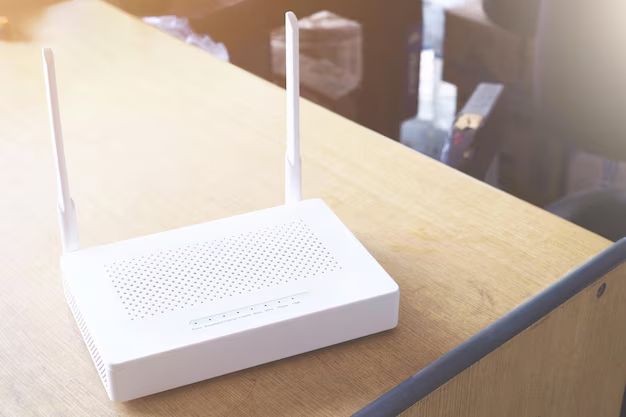
Your office WiFi drops during client calls. Again. Employees keep messaging about dead zones near the conference room. The IT person resets the router every other day. This happens more than you’d think.
Most Kenyan businesses start with basic consumer routers. They cost less and seem easier to manage. But growth changes everything. When your team hits 10 or 15 people, the cracks start showing. Video calls freeze mid-sentence. File uploads take forever. People get frustrated. UniFi access points solve this differently than you might expect.
Why Standard Routers Stop Working
Your current setup probably looks familiar. One router sitting in a corner office. Maybe it’s on top of a filing cabinet. The signal reaches the front desk fine, but fades badly towards the back.
You’ve tried moving it around. Positioned it higher. Nothing really helps. The problem isn’t the router quality. It’s the approach itself.
Single-point coverage fails in most office layouts. Walls block signals. Distance weakens them. Metal furniture creates weird, dead spots you can’t predict.
How UniFi Actually Works
Picture this instead. Multiple access points are spread across your office space. Each one covers its area adequately. They all communicate with each other constantly.
When you walk from your desk to the meeting room, your laptop switches between access points automatically. You don’t notice anything. The connection just works.
Everything connects through one controller interface. You see every device on your network. Track which areas get heavy use. Spot problems before people start complaining. Set up guest networks that stay separate from your business systems.
The whole thing manages itself mostly. Less manual intervention than you’d think.
Installation Isn’t Plug and Play
This takes some work upfront. Each access point needs an Ethernet cable connection. That means running cables through ceilings or along walls. Sometimes drilling. Always cable management.
Can you handle it yourself? Maybe. If you’re comfortable with basic networking and don’t mind ceiling work. Most businesses hire someone, though. It saves headaches and usually looks cleaner.
The controller software needs to run somewhere constantly. A computer works. A dedicated device works better. Your access points talk to it all the time. Turn it off, and things get weird.
The Real Value Proposition
You’re not just buying hardware here. The visibility matters more than you’d expect at first.
Problems become obvious before they’re critical. You spot bandwidth hogs. Block questionable devices. Keep guest traffic completely separate from sensitive business data. Structured cabling becomes manageable when everything feeds into one system.
Growth gets easier, too. Start with two or three access points. Add more next quarter. Everything integrates without drama. No starting over with new systems.
Compare that to consumer gear. Each upgrade means new apps. Different settings. Nothing talks to your old equipment. You rebuild from scratch every time.
Getting Started
Your business runs on connectivity now. Dropped video calls lose clients. Slow file access wastes hours every week. Dead zones frustrate everyone who hits them.
The real question isn’t whether you need better coverage. It’s how much longer you’ll tolerate the current situation. Network problems compound over time. Minor annoyances become major productivity drains.
Start mapping your space today. Count your devices. Think about where you’ll grow next year. The answers tell you what you need.
Featured Image Source: https://img.freepik.com/premium-photo/close-up-open-book-table_1048944-15782181.jpg
